Adding compose key rules from the clipboard
I wrote a small Bash (plus Python) script for adding my current clipboard contents to my compose key.
It’s made for my combination of GNOME + Wayland + XCompose + ibus, so you may have to tweak it. But here’s the idea:
#!/usr/bin/env bash

symbol=$(wl-paste)

code=$(zenity --entry --title="Adding compose rule from clipboard" --text="Which keys should make '$symbol'?")
if [[ -z "$code" ]]; then exit 1; fi

keys=$(echo "$code" | python -c 'names=["error"]*32 + "space exclam quotedbl numbersign dollar percent ampersand apostrophe parenleft parenright asterisk plus comma minus period slash 0 1 2 3 4 5 6 7 8 9 colon semicolon less equal greater question at A B C D E F G H I J K L M N O P Q R S T U V W X Y Z bracketleft backslash bracketright asciicircum underscore grave a b c d e f g h i j k l m n o p q r s t u v w x y z braceleft bar braceright asciitilde".split(); print(*["<" + names[ord(c)] + ">" for c in input()])')

echo "<Multi_key> $keys : \"$symbol\"" >> ~/.XCompose

ibus restart
That nasty-looking Python command translates ASCII symbols to their .XCompose-safe key names. For example, o/ becomes <o> <slash>.
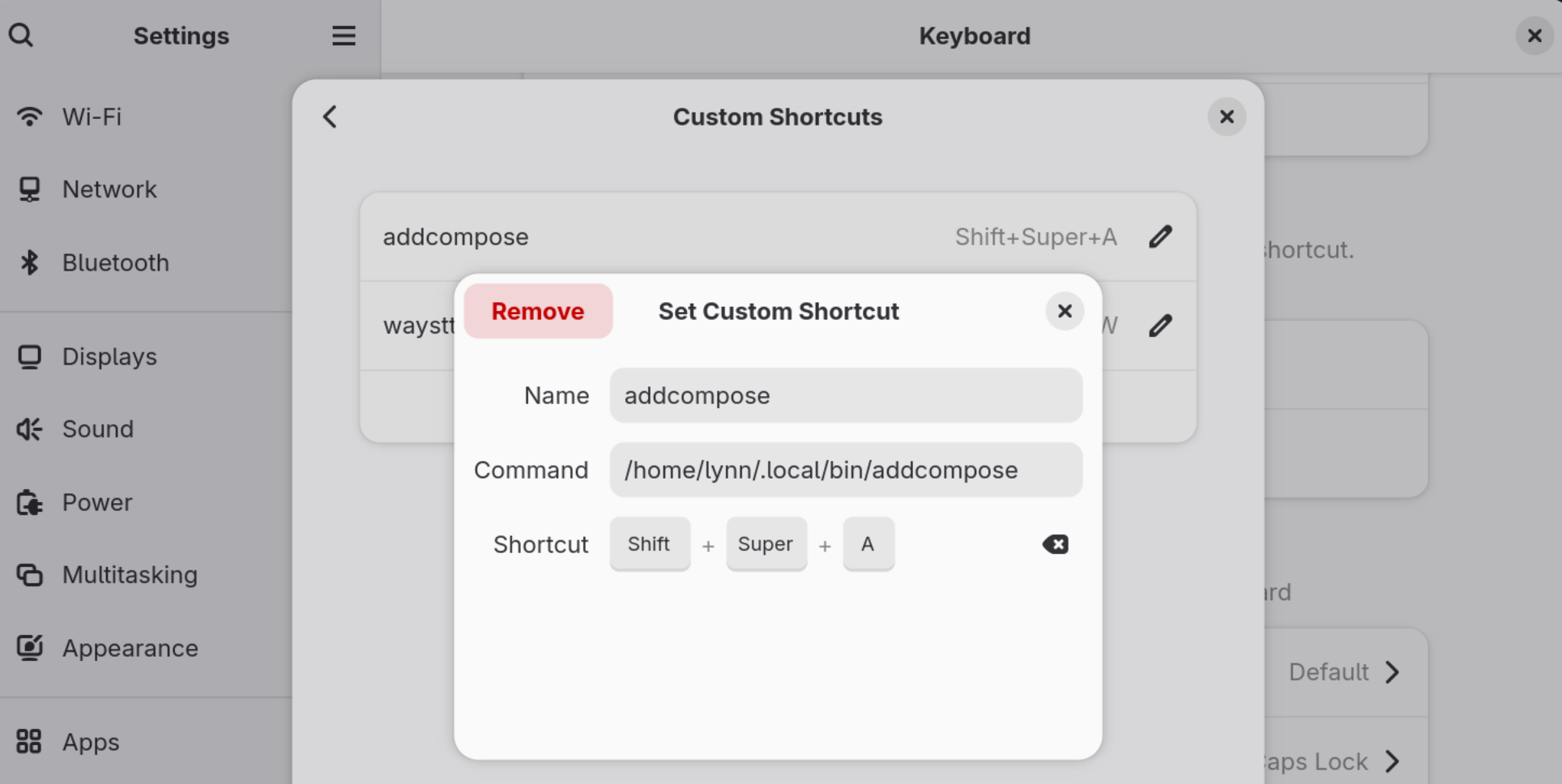
I put this script at ~/.local/bin/addcompose and hooked it up to Super+Shift+A in GNOME Settings:
Here it is in action:
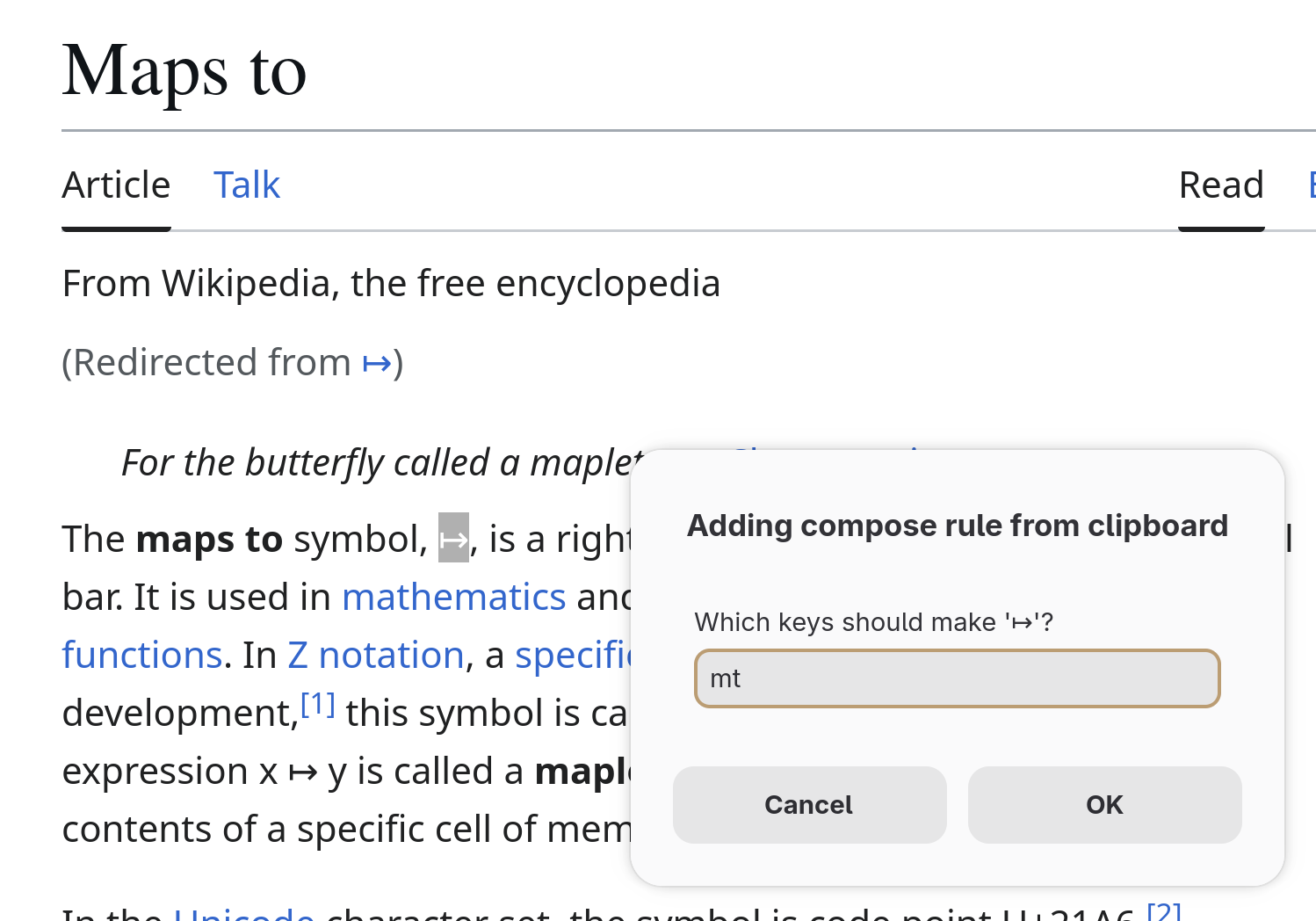
Now I can hit CapsLock m t to type ↦. Yay!